.png)
PlayStation
Summer Party AI Photobooth
This is a one-week build where I had to quickly learn a new JavaScript framework, contribute to UX design, front-end, parts of the backend, then shipped an AI-powered experience for a live event.
My Role
UX Designer — User Flow, Interaction Design, Prototype, Testing
Junior Developer — Front end, lightweight backend
Team
Creative director
UI designer
Prompt designer
Teach lead
Timeline
10 days
.png)

Why did we do this
Not every experience at PlayStation is customer-facing. Sometimes the goal is culture — bringing teams together, sparking curiosity, and making emerging tech feel approachable.
It is less about a perfect design process, and more about how I learn, adapt, and deliver under tight deadlines and constraints, with a very different definition of success: HAVING FUNNNNN!
But first let's talk timeline & challenges
I started off working closely with the creative director and UI designer to figure out what would feel fun, simple, and on-brand for the event. Moving into build, I shifted into a dev role building the front-end, while working closely with the tech lead to sync with backend.

⏱️
10 days
Super tight timeframe to ship a whole app
💻
Technical skills
Learning a new JavaScript React Framework
👥
Small Team
Tech lead, Project Manager , UI designer, and me
📱
iPad Deployment
Make sure the app is responsive while hosted on an iPad
🤖
Unstable Generation
How to achieve the best results with prompt design
Building Under Time Pressure
Given the time constraint, the focus was on getting the main flow working as quickly as possible, then accounting for the main edge cases.

We made trade-offs constantly—prioritising functionality and responsiveness over polish.
Step-by-step Prototype
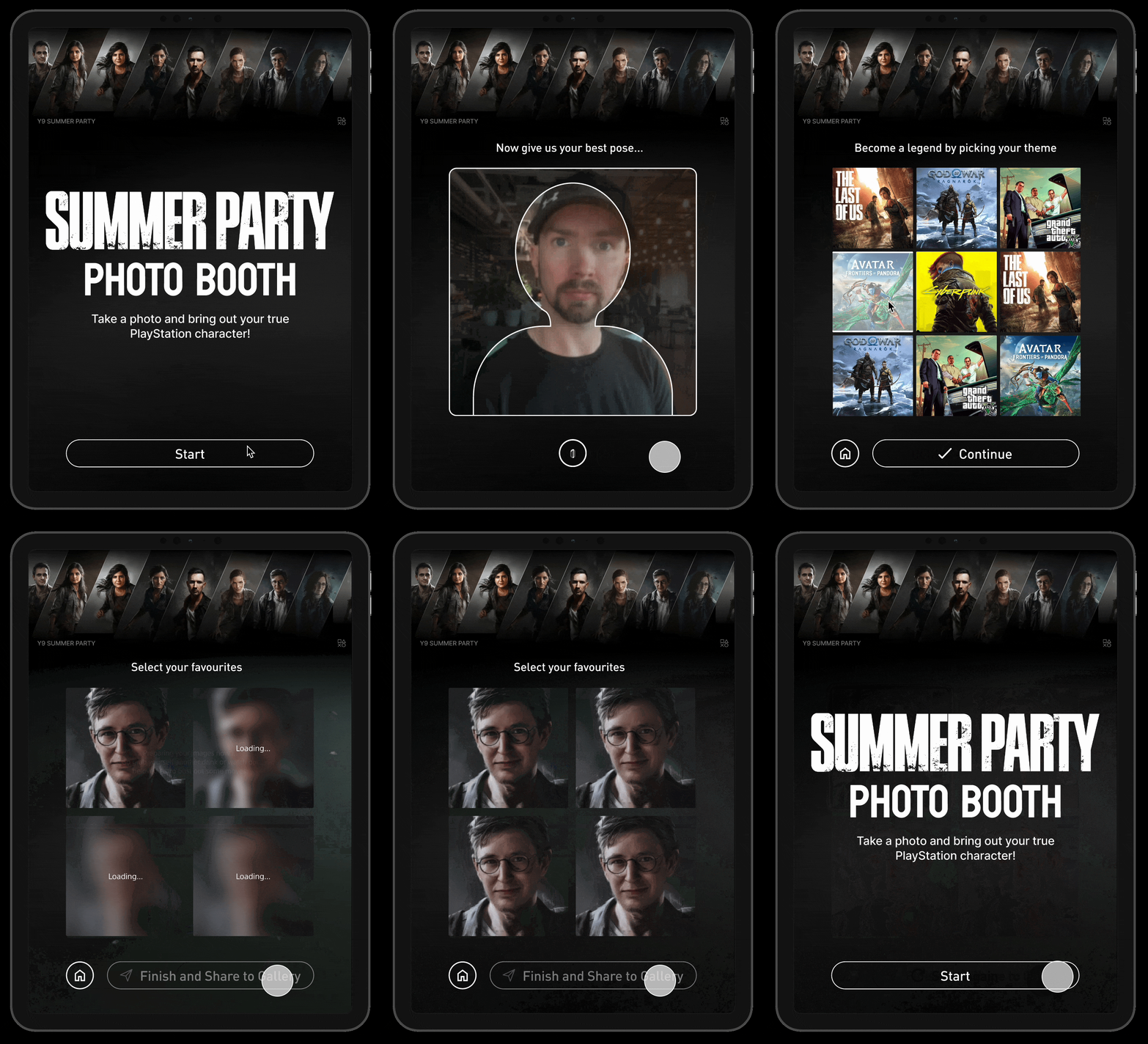





The biggest challenge was ramping up on a new JavaScript framework, ship and iterate a mini application within a week
.png)
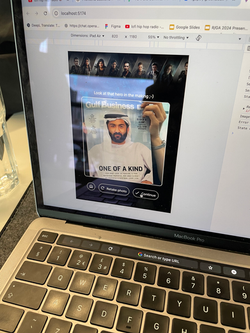
and this is literally the web app handed over to me to work with...
My workflow became: use GPT to understand what to build, how to build, use Copilot to generate a first pass, and then refine through testing and iteration.
I guess I have to work smart
.png)
This allowed me to move from zero familiarity to a working product in a very short time.
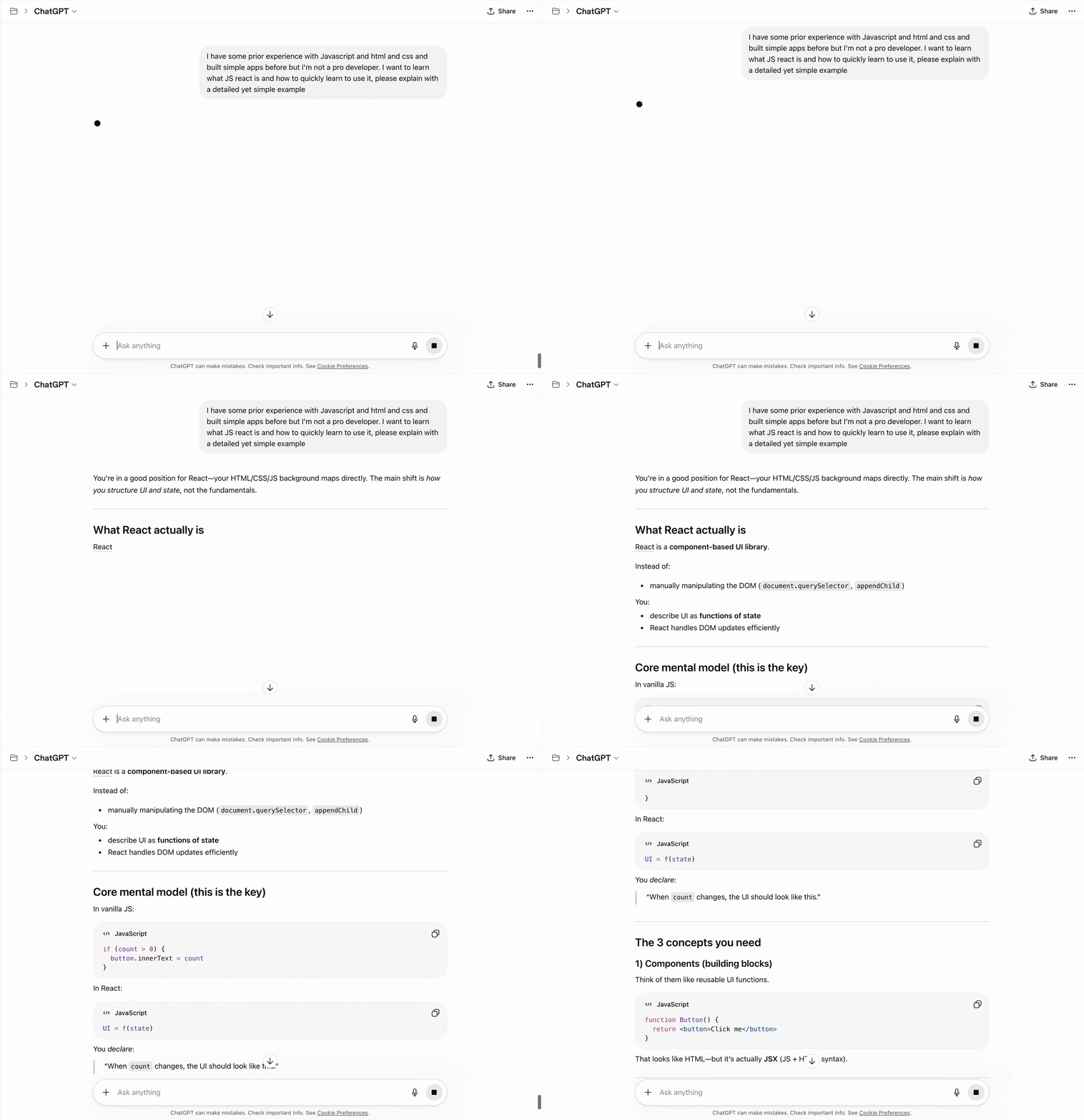
During my time with GPT
"What does that mean? Explain like I'm a 10 year old" — GPT4 became my on-demand tutor
I used GPT to quickly understand the fundamentals—things like component structure, state management, and how data flows in the framework.
Rather than going through full documentation, I asked very targeted questions and built a mental model just enough to start coding.
Moving onto the build phase
Why would I code the whole thing myself — when Github Copilot can be my (paid)slave?
For implementation, I used GitHub Copilot to quickly scaffold main structure, functions and basic logic.
It helped me generate initial code structure—like handling state, async calls, and UI components—so I could focus on refining and adapting it to the actual product needs.


Yayyyy I got it working!!!
After 4 days of jamming with my AI slaves, I successfully connected the front and back end, also got the basic front-end running.
Then I spent a day with UI designer on UI alignment, refining the details on the screens. Of course UI is gonna say the texts are too big, icon size is inconsistent, and the buttons are off </3 and I'll have a 2 hour hassle with CSS.
Backend Contribution
I also stepped into backend support where needed—working on the main app logic and helper functions.
Not owning the API layer, but contributing to how the system runs.
Having visibility into both front-end and backend helped me better understand the full pipeline.
.png)
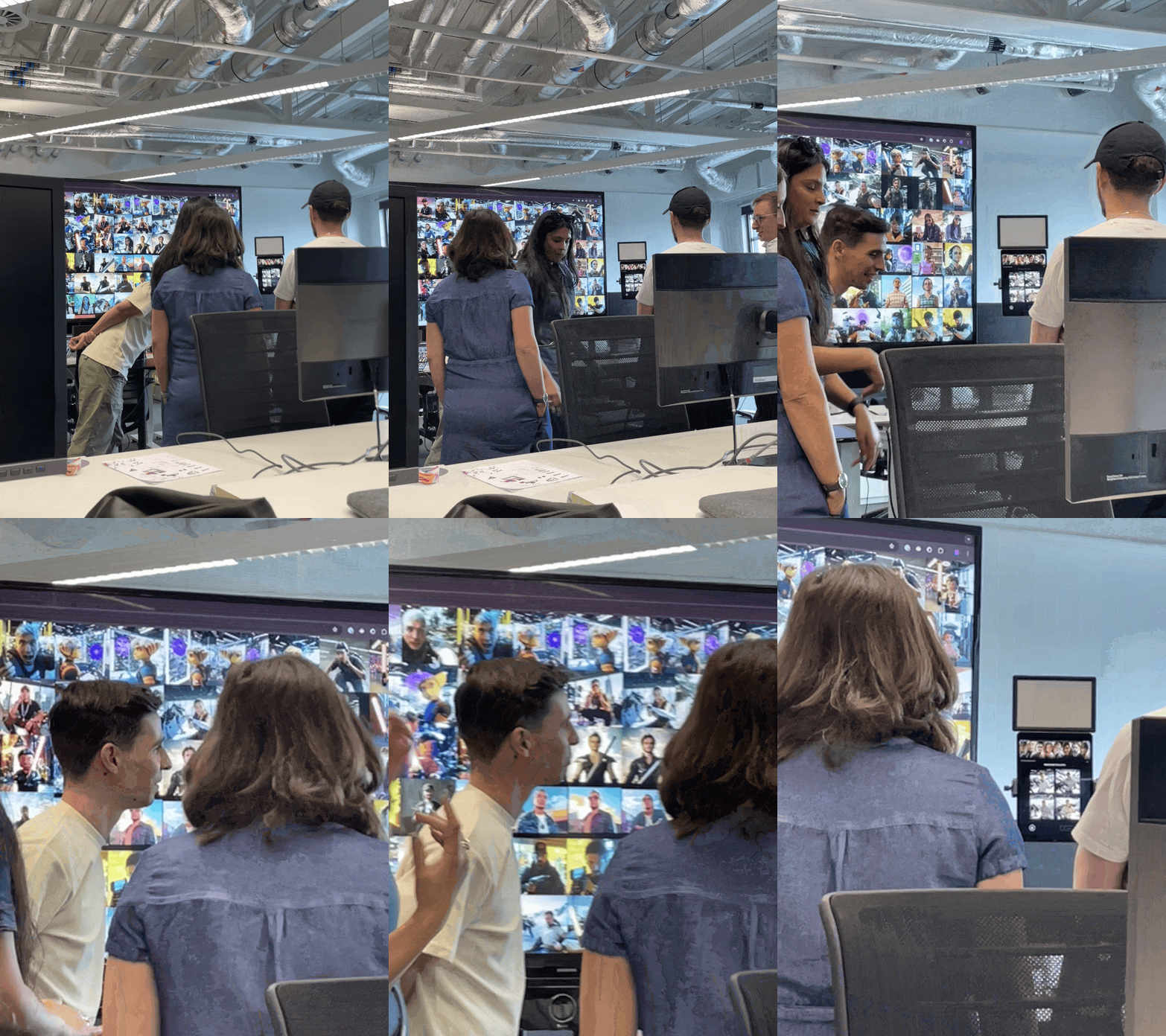
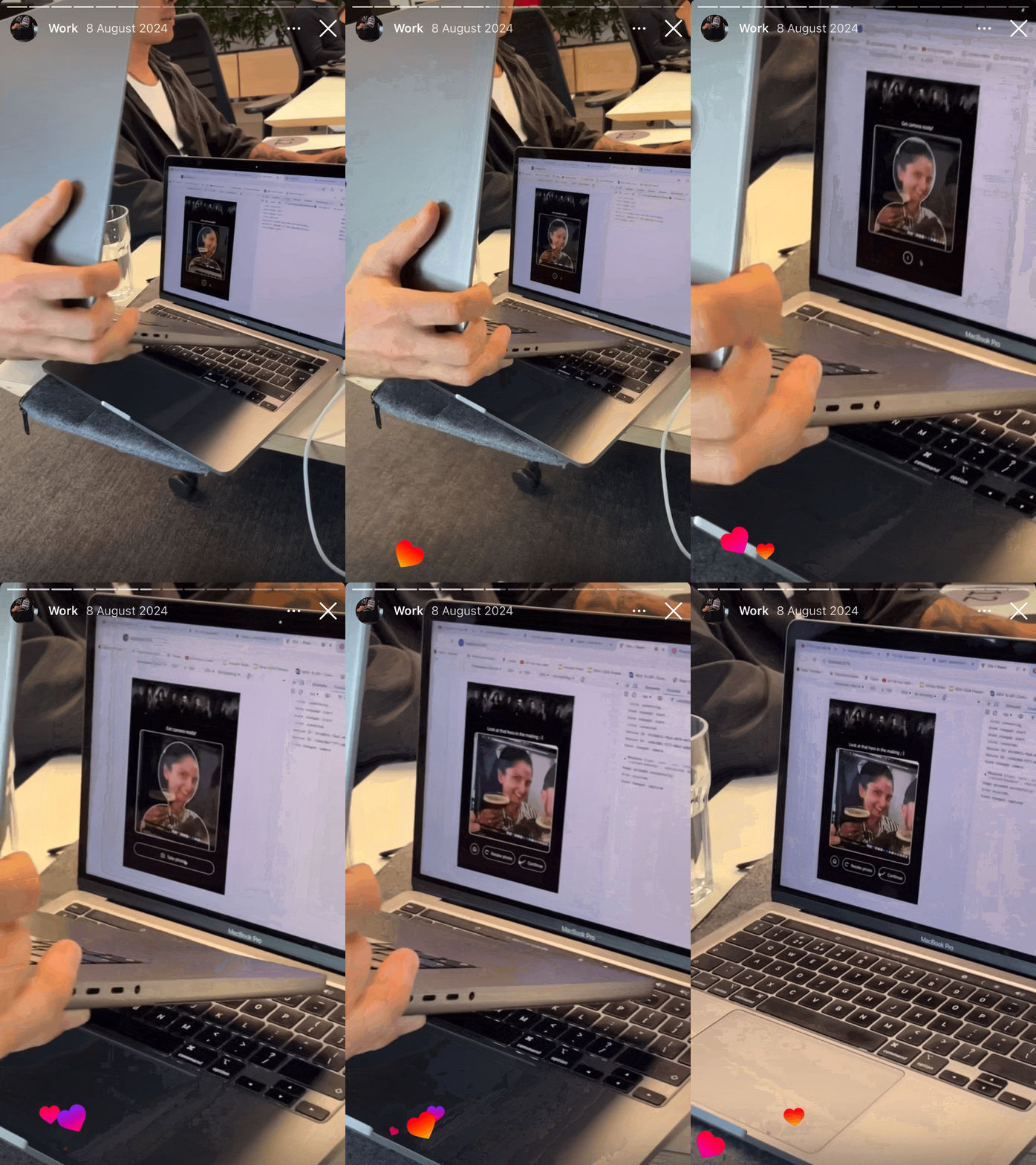
Gotta make sure it doesn't break on iPads and TV screens
For CSS of the application I also needed to consider the layout responsiveness and breakpoints; for the gallery displayed on the big TV screen we needed it to be compatible.


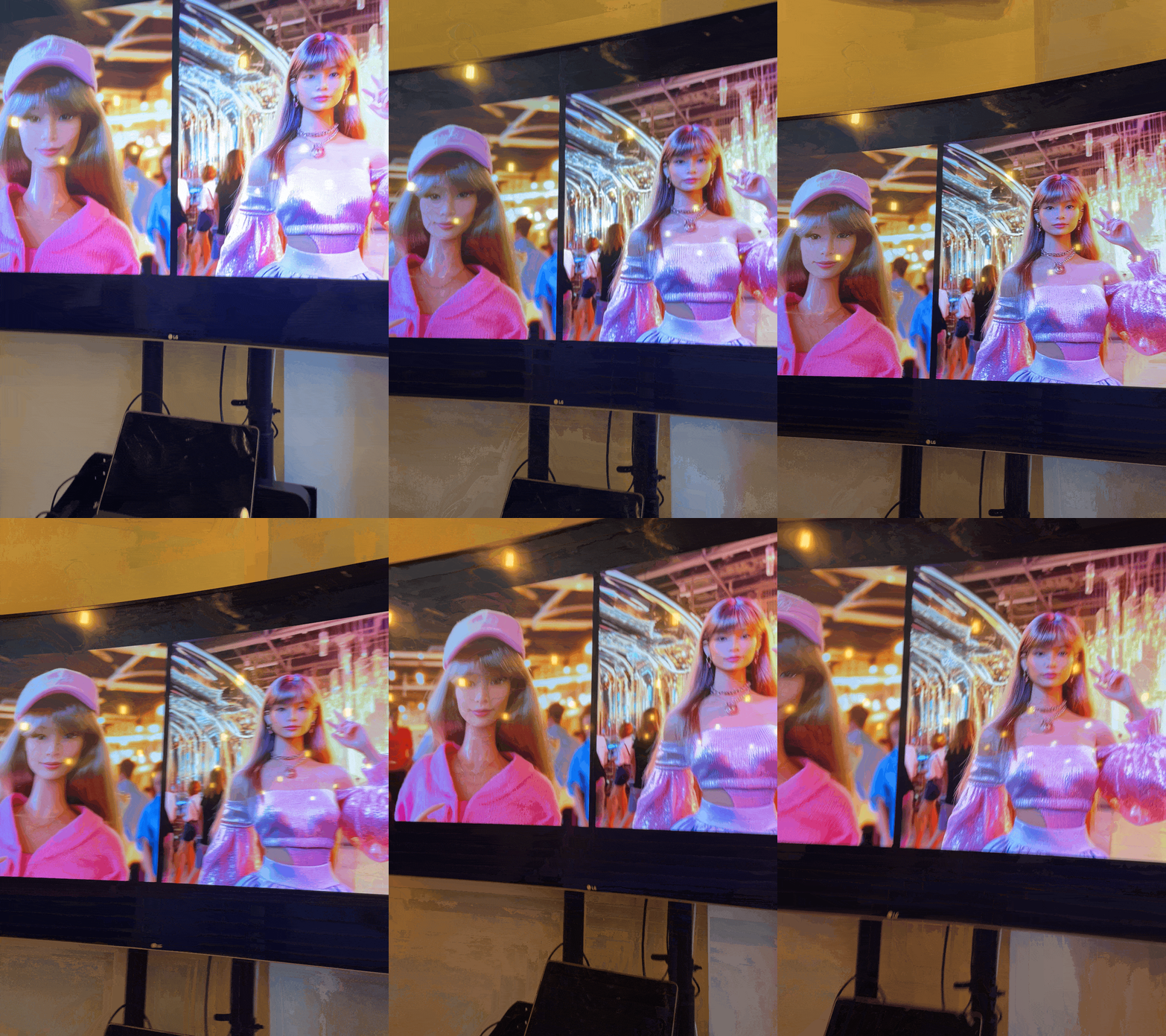
And of course, get a hold of the Midjourney image generation ...
I connected with the design team and together we made sure the prompt design was tested, iterated and stable for implementation.

Party day!


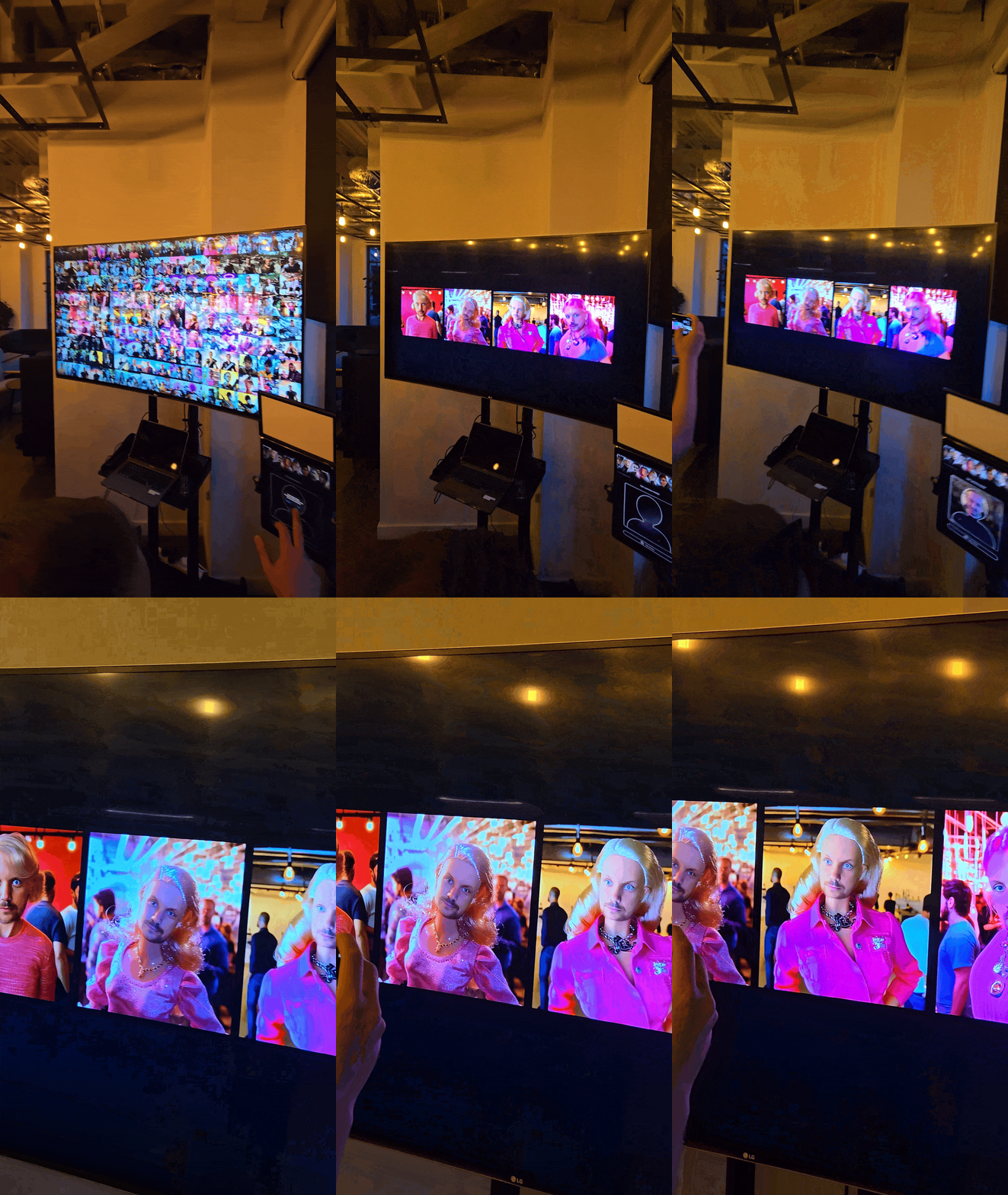
Despite some choppy internet connection and too many Midjourney credits spent, our clients absolutely loved it and everyone was having such a silly fun time — PHEWWW




 |  |  |  |
|---|---|---|---|
 |  |  |  |
 |
In the hindsight
I enjoy working in environments where speed, experimentation, and collaboration matter more than rigid process.

Learn quickly by building and making mistakes
I used GPT and Copilot — learn, apply, break, fix—allowed me to go from zero familiarity to a working system fast. The speed of learning comes from shortening the gap between understanding and doing.

Moving across design and engineering
Being involved in both sides, I could carry the design intent into build without losing it, while adapting to technical constraints. I don’t see design and engineering as separate phases—they are parts of the continuous process.

Focus on shipping and iterating, not over-planning
Shipping and testing early gave us real feedback—which informed the next iteration. I see iteration as the core of the process that comes from cycles, not from upfront planning.